
What is Nyx?
The Nyx project introduces a protocol, backward-compatible with INDI 1.7 (and indiserver), for controlling scientific hardware.
It enhances INDI by supporting multiple independent nodes, each embedding its own protocol stack. Nodes communicate using JSON over MQTT for slow control, and through a dedicated streaming system for real-time visualization. An alternative INDI compatibility mode, based on XML over TCP, is also supported. This architecture provides flexibility and scalability for distributed systems.
The core library is written in C11 and targets POSIX, Windows, and Arduino environments, with no external dependencies; Zlib is only required when compression is enabled.
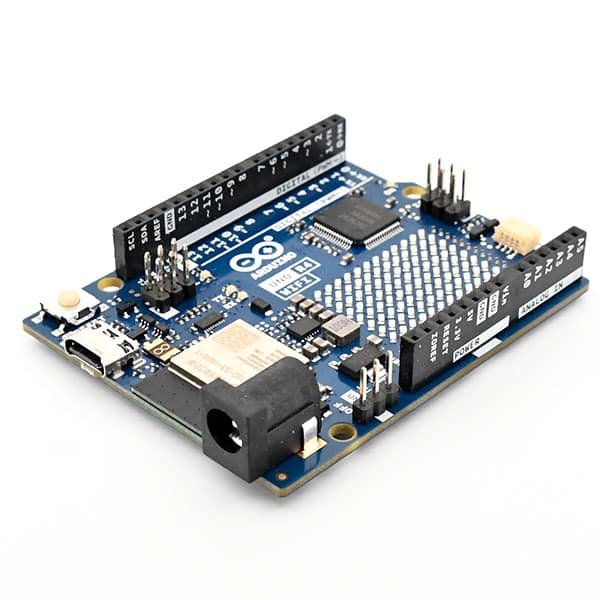
Its low footprint makes Nyx suitable for deployment on microcontrollers (ESP32, Cortex-M, …).
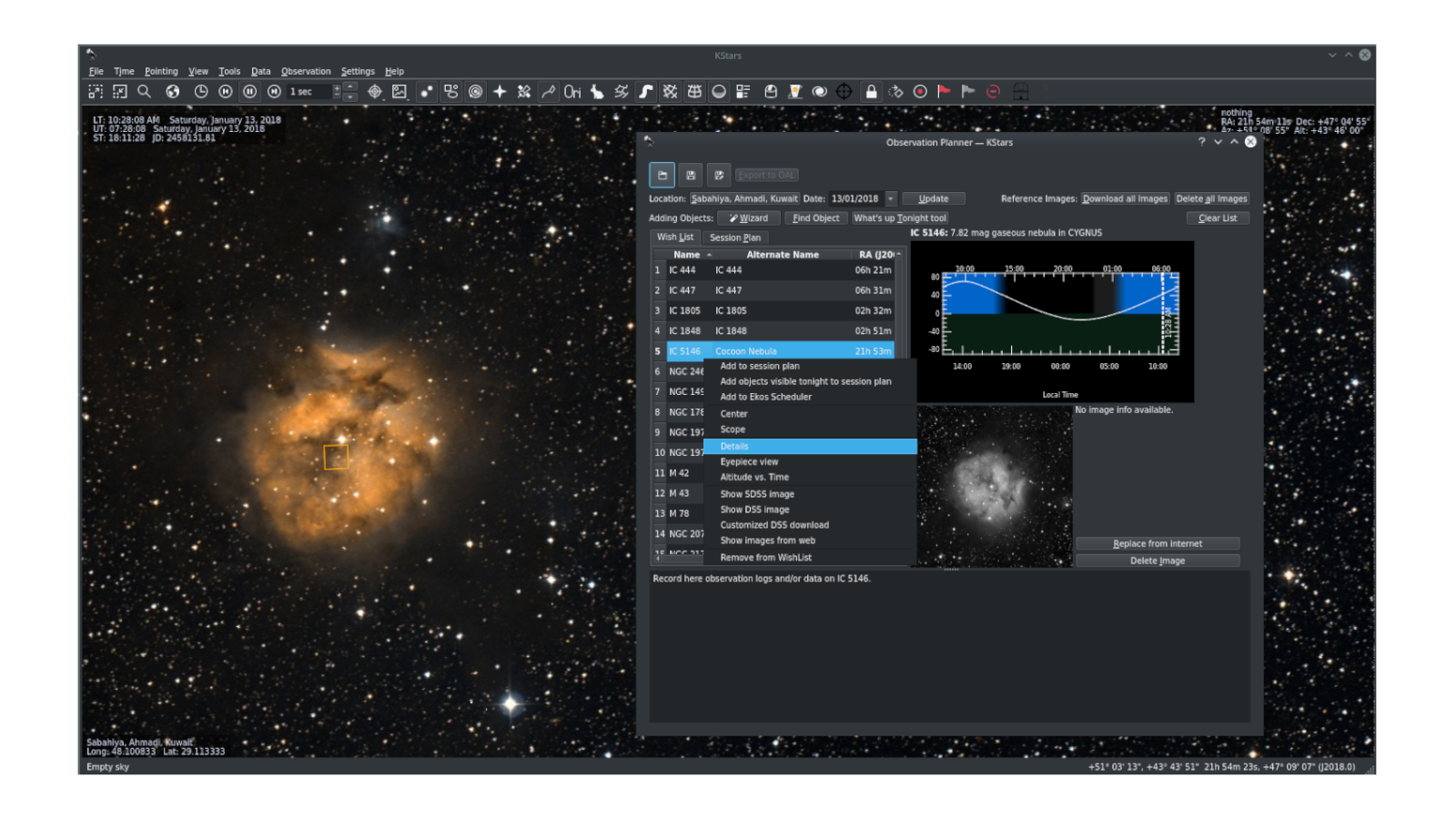
The Nyx project also includes Nyx Lab, an integrated desktop and web interface for controlling Nyx and INDI devices through an addon-based design.
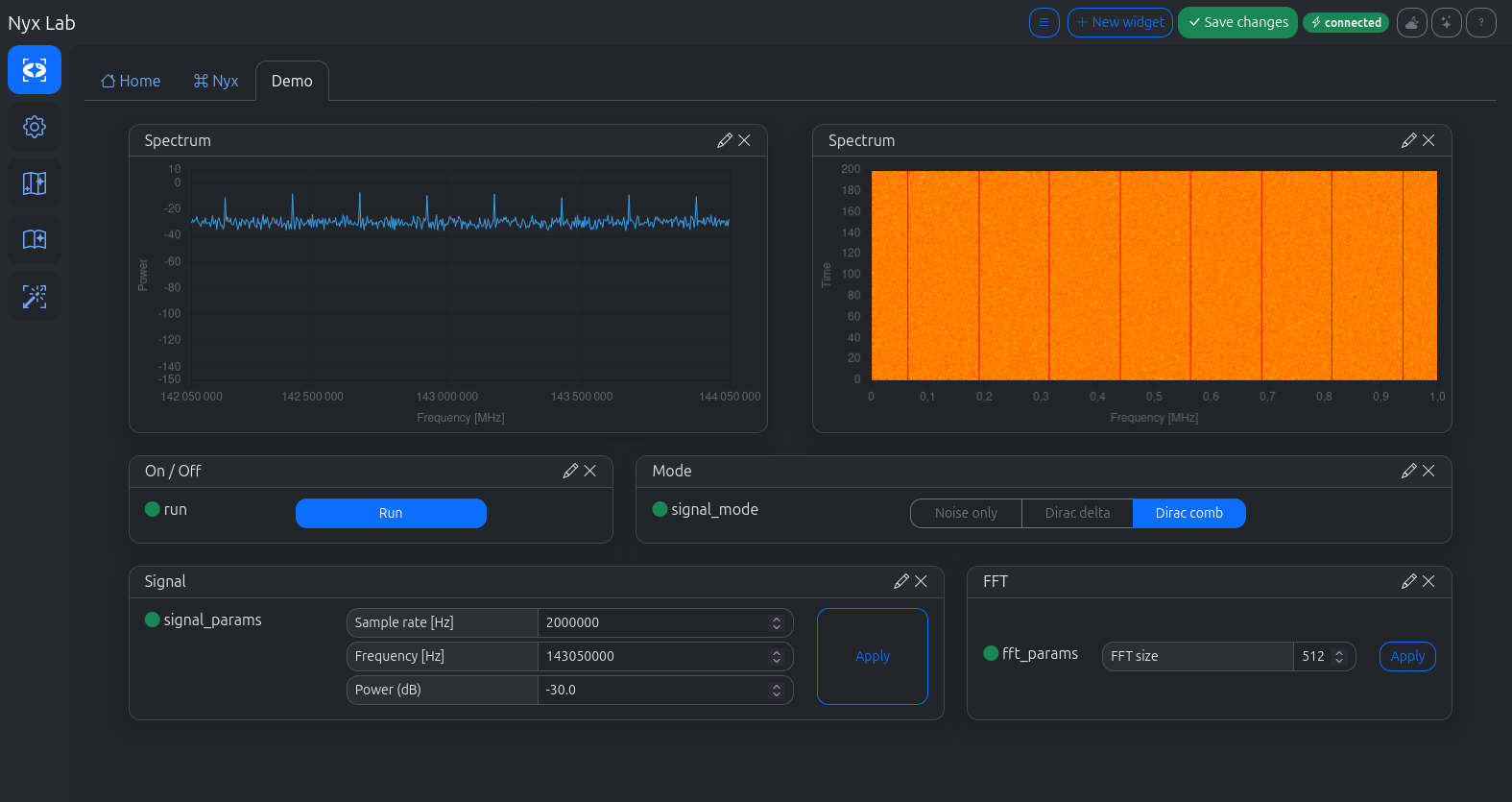
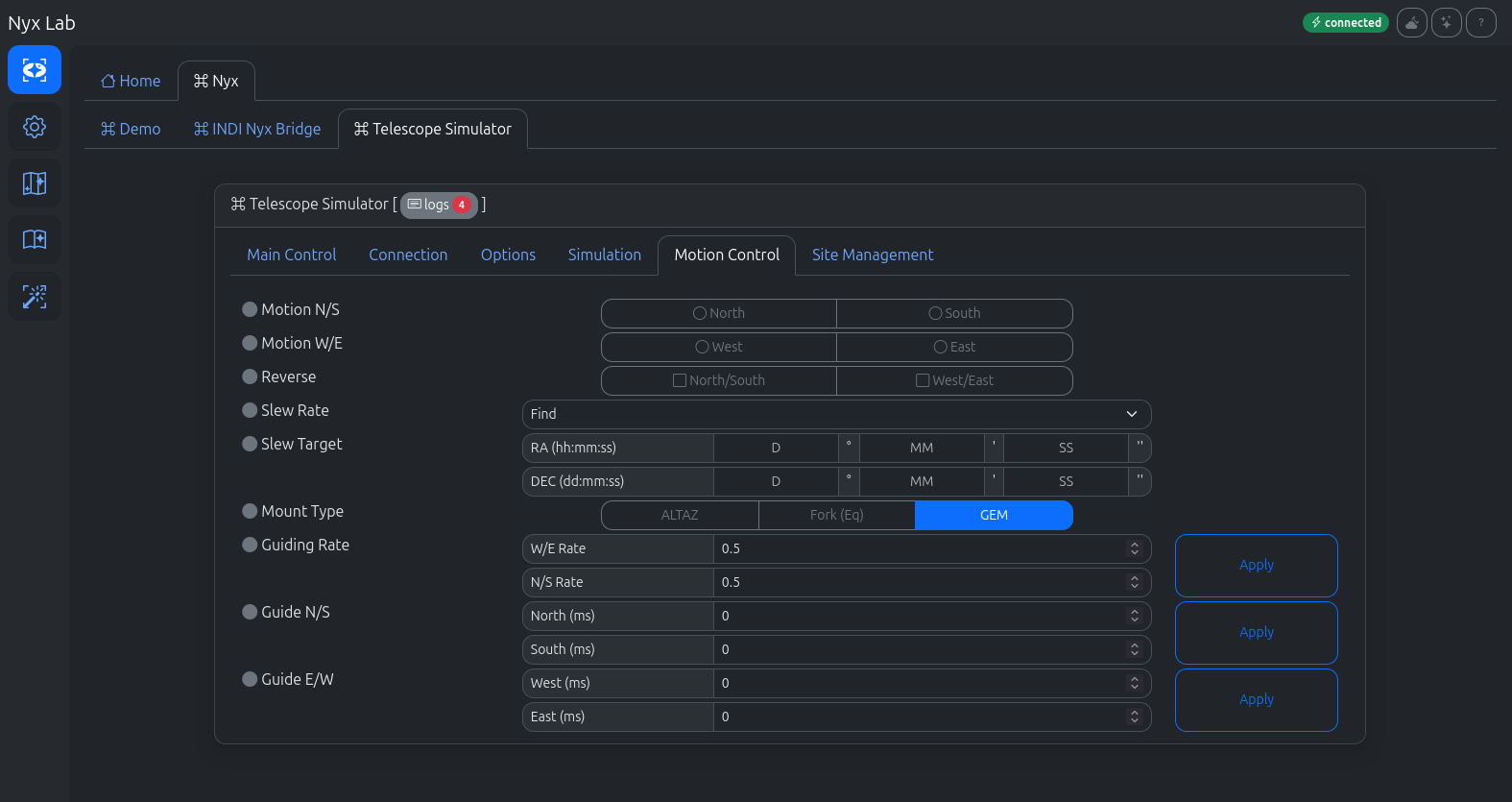
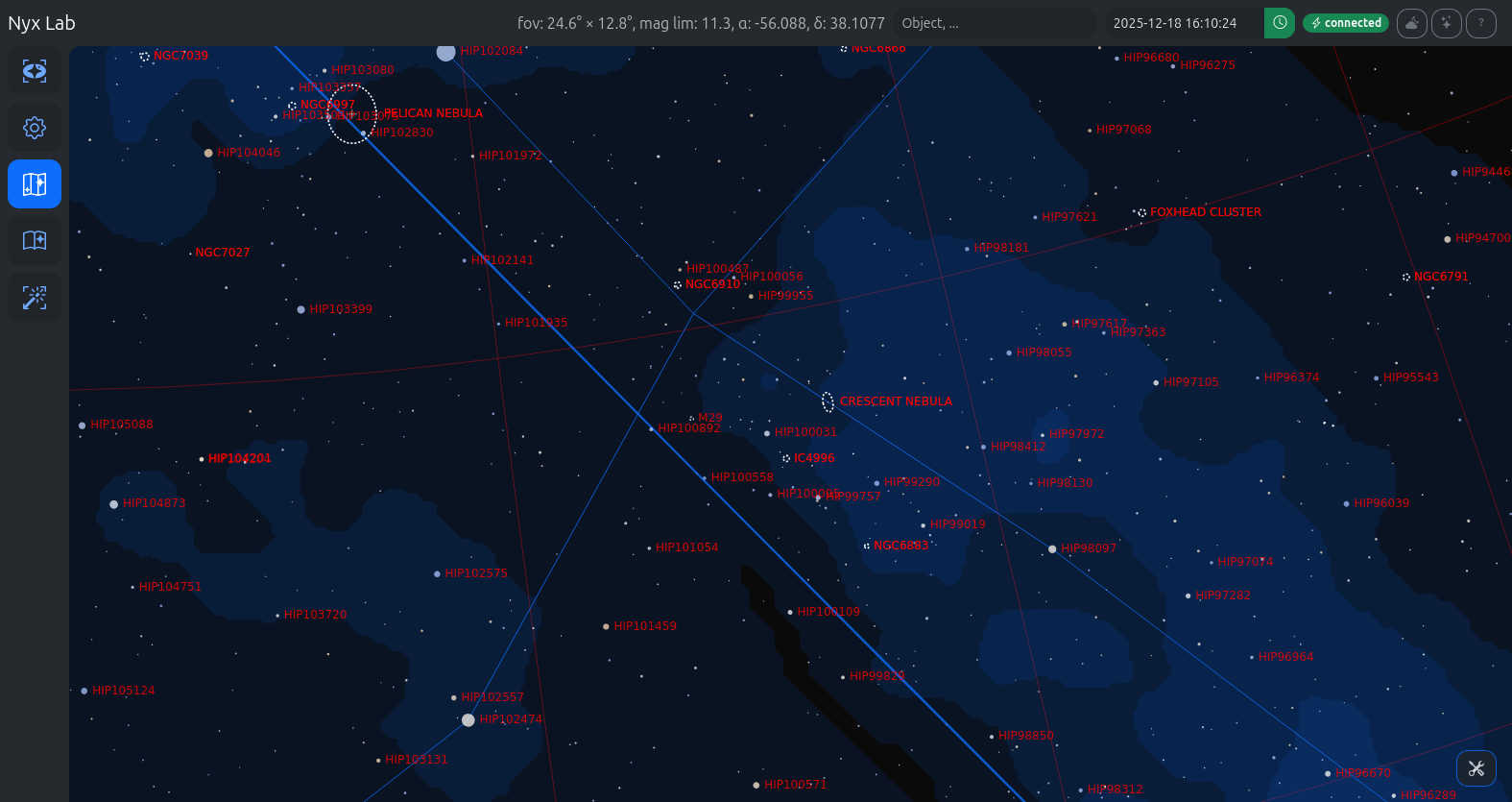
Nyx Lab
With Nyx Lab, control your devices locally or remotely. Alternatively, use any existing INDI 1.7-compliant client.
Easy development
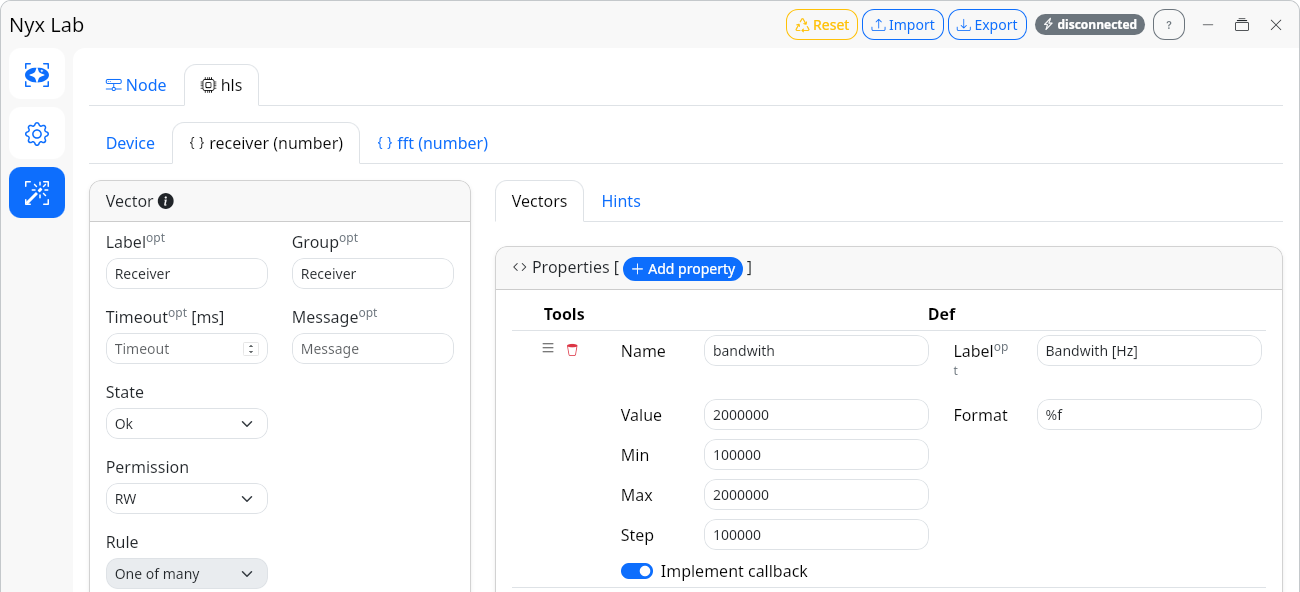
Design your drivers efficiently with Nyx Assistant (visual designer) and Nyx Gen (code generator).
API documentation
Comprehensive documentation is provided for the protocol, the core library, as well as usage examples.
Typical Nyx architectures

Standard Nyx architecture.

Any Nyx driver can be loaded by indiserver, via TCP, and used by an INDI 1.7-compliant client.

Any existing INDI driver can be connected to the Nyx network via “INDI → Nyx Bridge”.

 |  |  |